
Best Seller Icon Bestseller

Certificate in Advanced Excel(S-CAE-7690)

  • Last updated Jun, 2026
  • Certified Course

Course Includes

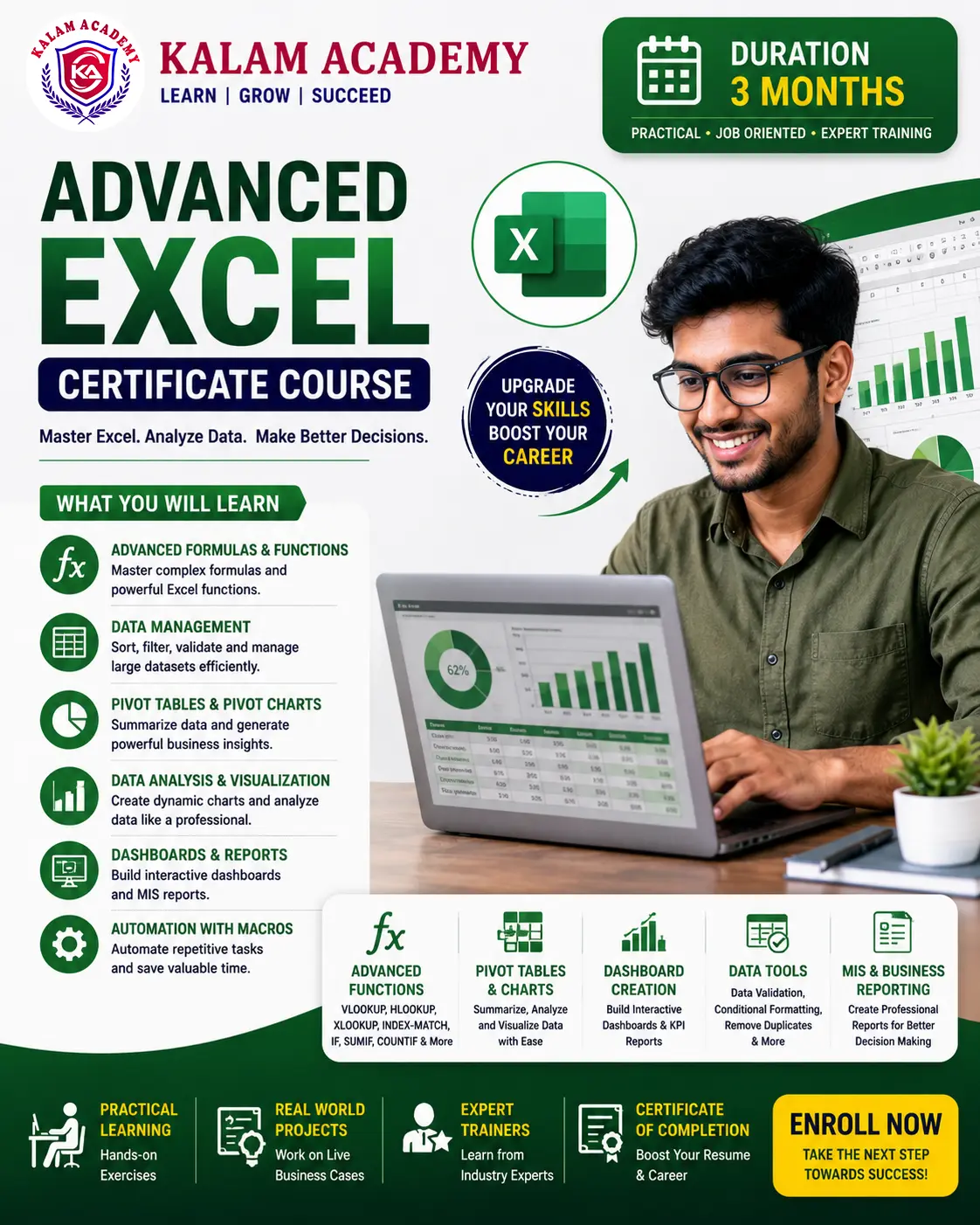
  • Duration3 Months
  • Enrolled0
  • Lectures50
  • Videos0
  • Notes0
  • CertificateYes

What you'll learn

The Advanced Excel Certificate Course is designed for students, job seekers, office professionals, accountants, business owners, and anyone who wants to master Microsoft Excel for data management, analysis, reporting, and business operations. This practical 3-month program takes learners from Excel fundamentals to advanced features used in professional workplaces.

Students will learn formulas, functions, data analysis, charts, Pivot Tables, dashboards, data validation, automation tools, and reporting techniques. Through hands-on projects and real-world business scenarios, participants will gain the skills needed to increase productivity and make data-driven decisions.

Show More

Course Syllabus

Excel Fundamentals & Functions

Introduction to Excel

  • Excel Interface & Navigation
  • Workbook & Worksheet Management
  • Data Entry Techniques
  • Cell Formatting
  • Page Layout & Printing

Basic Formulas & Functions

  • Mathematical Functions
  • SUM, AVERAGE, COUNT
  • MAX, MIN
  • IF Function
  • Text Functions
  • Date & Time Functions

Practical Exercises

  • Attendance Sheets
  • Marksheet Preparation
  • Salary Calculation

Data Management & Analysis

Advanced Functions

  • VLOOKUP
  • HLOOKUP
  • XLOOKUP
  • INDEX & MATCH
  • Nested IF Functions
  • Logical Functions

Data Tools

  • Sorting & Filtering
  • Conditional Formatting
  • Data Validation
  • Remove Duplicates
  • Text to Columns

Charts & Visualization

  • Column Charts
  • Pie Charts
  • Bar Charts
  • Line Charts
  • Dynamic Charts

Practical Projects

  • Sales Report
  • Employee Database
  • Inventory Management Sheet

Advanced Reporting & Dashboards

Pivot Tables & Pivot Charts

  • Creating Pivot Tables
  • Data Summarization
  • Pivot Chart Analysis
  • Slicers & Timelines

Dashboard Creation

  • Interactive Dashboards
  • KPI Reporting
  • Business Analytics
  • Dynamic Reports

MIS Reporting

  • Monthly Reports
  • Performance Reports
  • Data Analysis Techniques

Introduction to Automation

  • Basic Macros
  • Recording Macros
  • Automating Repetitive Tasks

Final Project

  • Business Dashboard Design
  • MIS Report Preparation
  • Data Analysis Project

Course Outcome

After completing the course, students will be able to:

  • Manage and analyze large datasets efficiently.
  • Create professional reports and dashboards.
  • Use advanced formulas and functions confidently.
  • Perform business data analysis.
  • Generate MIS and management reports.
  • Improve workplace productivity through Excel automation.
  • Apply Excel skills in office, accounting, business, and administrative roles.


Review

0.0
Course Rating (0 reviews)
0%
0%
0%
0%
0%


Call
Text Message
Review
Email
CHAT