Best Seller Icon Bestseller

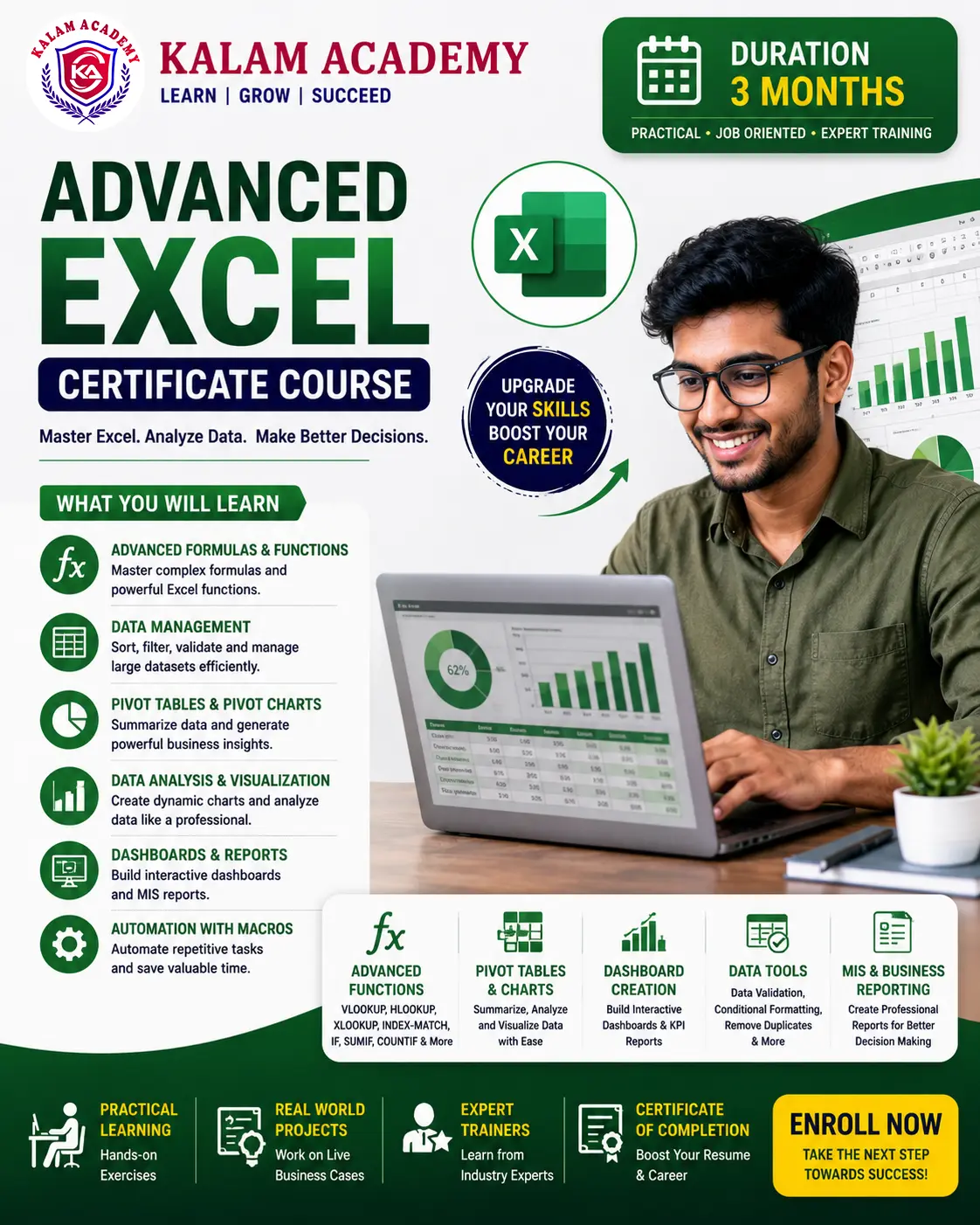
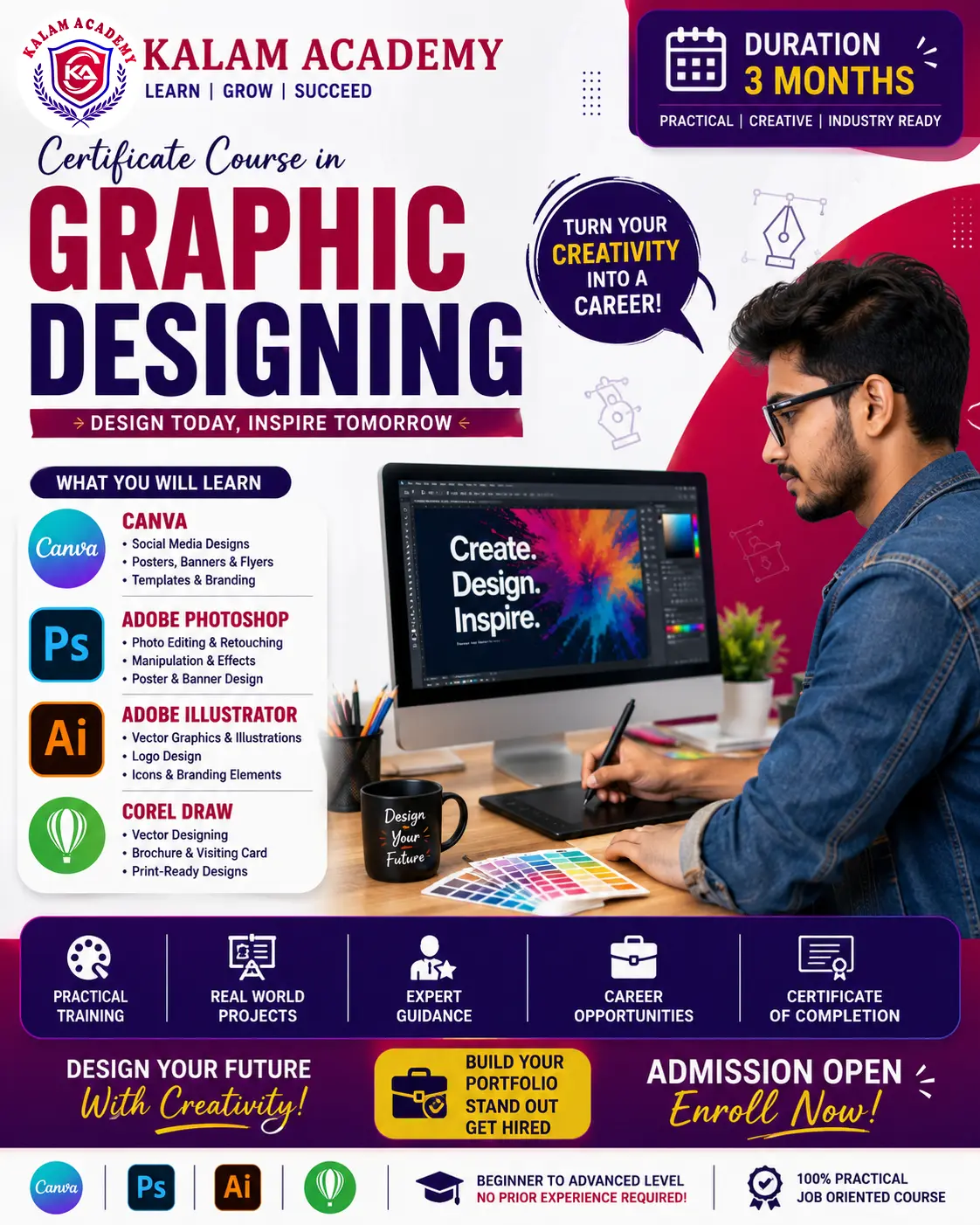
Certificate in Computer Fundamentals and MS Office Managements(M-CCFAMOM-4432)

  • Last updated Jun, 2026
  • Certified Course

Course Includes

  • Duration3 Months
  • Enrolled31
  • Lectures50
  • Videos0
  • Notes5
  • CertificateYes

What you'll learn

The Certificate Course in Computer Applications is designed for beginners who want to develop essential computer skills for education, employment, and daily life. This comprehensive 3-month program covers Computer Fundamentals, English Typing, Microsoft Office, and Internet Applications, enabling students to work confidently with computers in academic and professional environments.

Students will gain hands-on practical experience in operating computers, creating documents, preparing spreadsheets, designing presentations, improving typing speed and accuracy, and using the internet safely and effectively.

Show More

Course Syllabus

Computer Fundamentals & Typing

Computer Fundamentals

  • Introduction to Computers
  • Types of Computers
  • Hardware & Software
  • Input & Output Devices
  • Operating System Basics
  • File & Folder Management
  • Windows Environment

English Typing

  • Keyboard Introduction
  • Finger Placement Techniques
  • Home Row Practice
  • Accuracy Improvement
  • Speed Development Exercises
  • Paragraph Typing Practice


Microsoft Office

Microsoft Word

  • Creating Documents
  • Formatting Text
  • Page Layout & Design
  • Tables & Shapes
  • Headers & Footers
  • Printing Documents

Microsoft Excel

  • Spreadsheet Basics
  • Data Entry
  • Rows, Columns & Cells
  • Basic Formulas
  • Functions (SUM, AVERAGE, COUNT)
  • Charts & Formatting

Microsoft PowerPoint

  • Creating Presentations
  • Slide Design
  • Images & SmartArt
  • Animations & Transitions
  • Slide Show Presentation


Internet & Practical Applications

Internet Fundamentals

  • Introduction to Internet
  • Web Browsers
  • Search Engines
  • Online Information Search
  • Downloading & Uploading Files

Email & Online Communication

  • Creating Email Accounts
  • Sending & Receiving Emails
  • Attachments & Documents
  • Online Safety & Security

Practical Projects

  • Document Creation Project
  • Excel Data Management Project
  • PowerPoint Presentation Project
  • Internet Research Assignment
  • Typing Assessment

Course Outcome

After completing the course, students will be able to:

  • Operate a computer confidently.
  • Type efficiently in English.
  • Create professional documents in MS Word.
  • Manage data and calculations in MS Excel.
  • Design presentations in MS PowerPoint.
  • Use the internet and email effectively.
  • Apply computer skills in educational and workplace environments.

Review

0.0
Course Rating (0 reviews)
0%
0%
0%
0%
0%


Call
Text Message
Review
Email
CHAT